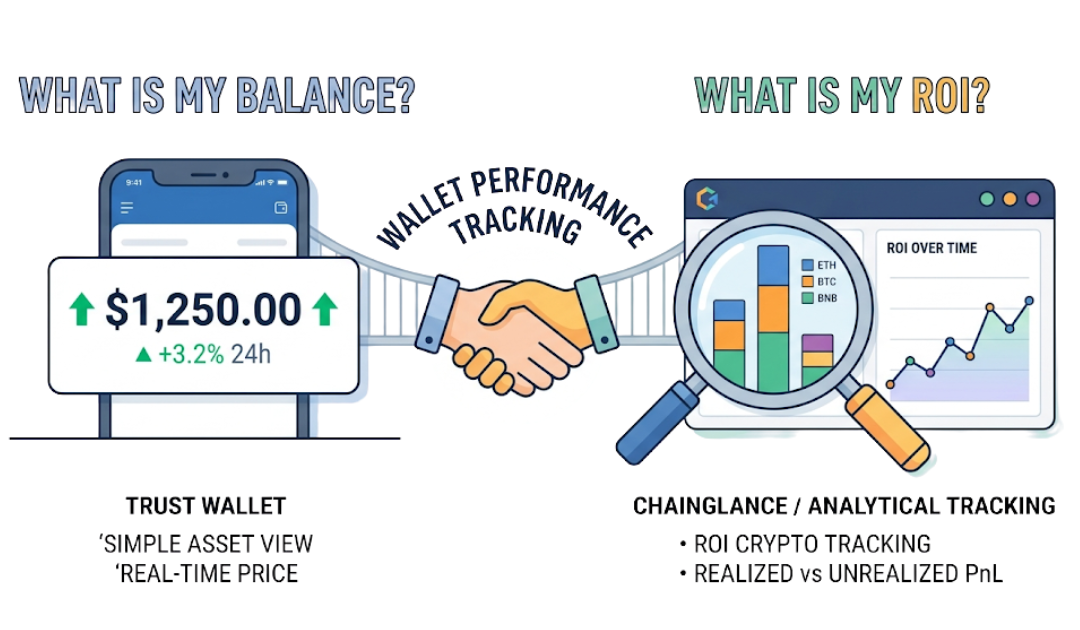
Trust Wallet is a crypto wallet app that lets you store and view your crypto assets. But it doesn’t tell you whether you’re actually making or losing money. To track your Trust Wallet performance, you need a separate tool, like ChainGlance, that track things like ROI, cost basis, and gains, because seeing your balance go up doesn’t always mean you’re in profit.
Tracking Trust Wallet performance is one of the most common concerns crypto investors ask about after their portfolio starts growing. You open the app, see your balance change, and assume you’re doing well. But are you actually in profit? Are you outperforming the market? Or just riding volatility?
Here’s the confusion: balance is not portfolio performance. Trust Wallet shows token balances and real-time prices, but it does not calculate ROI, realized profit, unrealized gains, or cost basis tracking. That’s where most investors misjudge their results.
With over 420+ million global crypto users and billions flowing into DeFi and NFTs, serious investors rely on proper crypto portfolio tracking tools to measure wallet performance metrics accurately.
In this guide, you’ll learn what “Trust Wallet performance” really means, how to check crypto portfolio performance properly, and why tools like ChainGlance offer more accurate Trust Wallet portfolio tracking.
Can You Track Wallet Performance Directly Inside Trust Wallet?
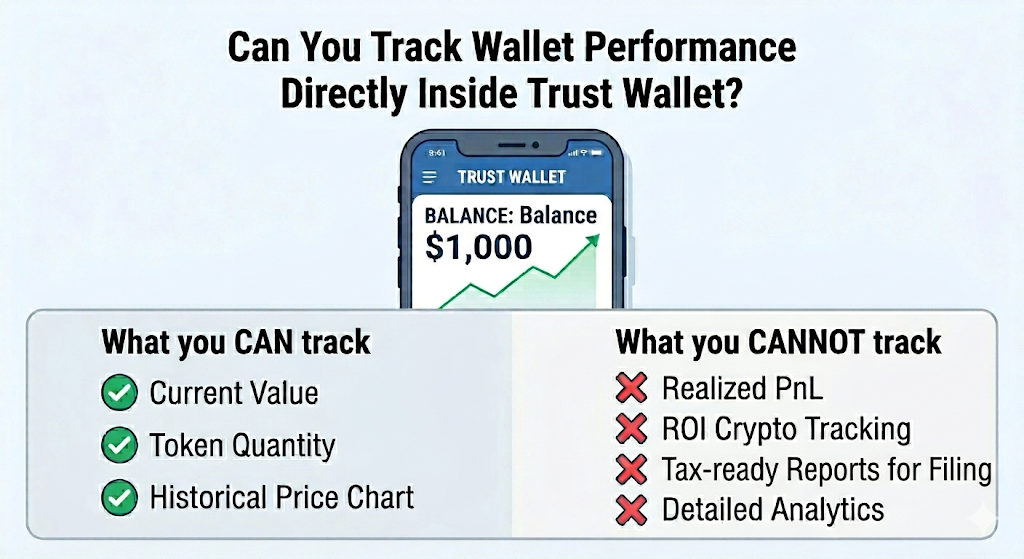
Yes, but only at a basic level. Trust Wallet portfolio tracking shows your current balances and real-time prices. However, it does not provide full wallet performance tracking like realized PnL, ROI crypto tracking, or cost basis tracking. If you want advanced crypto portfolio analytics, you’ll need external tools, like ChainGlance.
What Does the Trust Wallet Dashboard Show?
The Trust Wallet dashboard gives you a clean, simple portfolio overview.
You can see:
- Token balances across chains
- Real-time price updates
- Current market value of each asset
- NFT display for supported collections
- A watchlist feature to track tokens without holding them
In short, you can check crypto portfolio performance in terms of today’s value. If you hold 0.5 ETH and its price increases, your portfolio growth reflects instantly. It’s fast and convenient.
You also get access to transaction history in Trust Wallet, which shows incoming and outgoing transfers. This helps with basic tracking, but it’s not true Trust Wallet portfolio analytics.
What does Trust Wallet NOT show?
This is where many users get confused.
Trust Wallet does not show:
- Realized profit
- Unrealized gains
- Crypto PnL tracking
- ROI
- Cost basis tracking
- Historical return charts
- Advanced wallet performance metrics
So, does Trust Wallet show profit and loss? No. It shows current value, not how much you actually made or lost.
What Are the Best Tools to Track Trust Wallet Performance Accurately?
If you want accurate Trust Wallet portfolio tracking, you need a dedicated crypto portfolio tracking tool. ChainGlance is the strongest all-in-one option. However, CoinStats, Zerion, DeBank, explorers, and even spreadsheets can help depending on your needs. The right choice depends on how deep you want your wallet performance tracking to go. Check out our detailed list of best DeFi portfolio trackers to learn more.
1. ChainGlance
ChainGlance works as a full Trust Wallet performance tracker. You simply paste your wallet address. It auto-syncs transactions.
It offers:
- Real-time ROI dashboard
- Realized vs unrealized PnL
- DeFi + NFT performance tracking
- Multi-chain wallet tracking
- Tax integration via Bitcoin.Tax
This means you can properly track Trust Wallet profit and loss, not just current value.
Here are the pros and cons of ChainGlance
- Pros: Clean analytics, strong crypto portfolio analytics, tax-ready data.
- Cons: May require subscription for advanced features.
2. CoinStats
CoinStats supports CoinStats Trust Wallet tracking via wallet connection.
It provides:
- Portfolio performance view
- Alerts
- Cross-exchange sync
Here are the pros and cons of CoinStats:
- Pros: Beginner-friendly, mobile app strong.
- Cons: Limited deep DeFi analytics.
3. Zerion
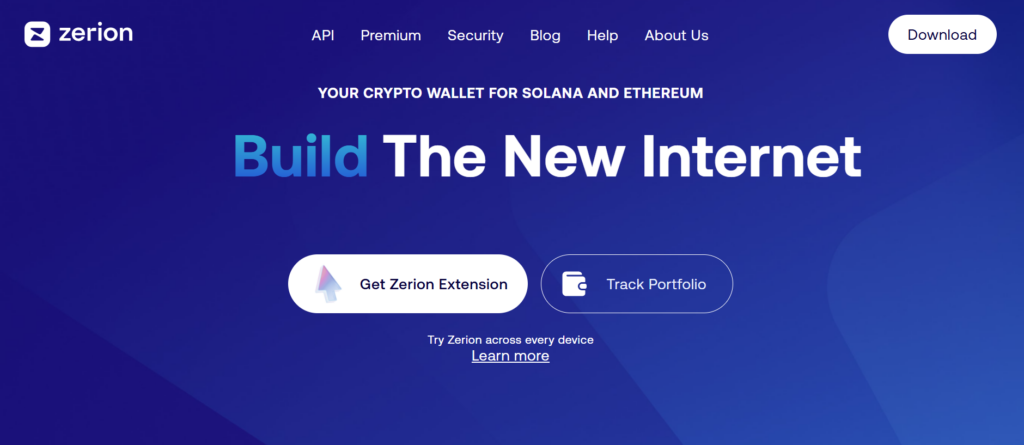
Zerion portfolio tracker focuses on DeFi.
It tracks:
- Token swaps
- Yield farming
- On-chain positions
Here are the pros and cons of Zerion:
- Pros: Strong DeFi visualization.
- Cons: Limited multi-chain depth compared to ChainGlance.
4. DeBank
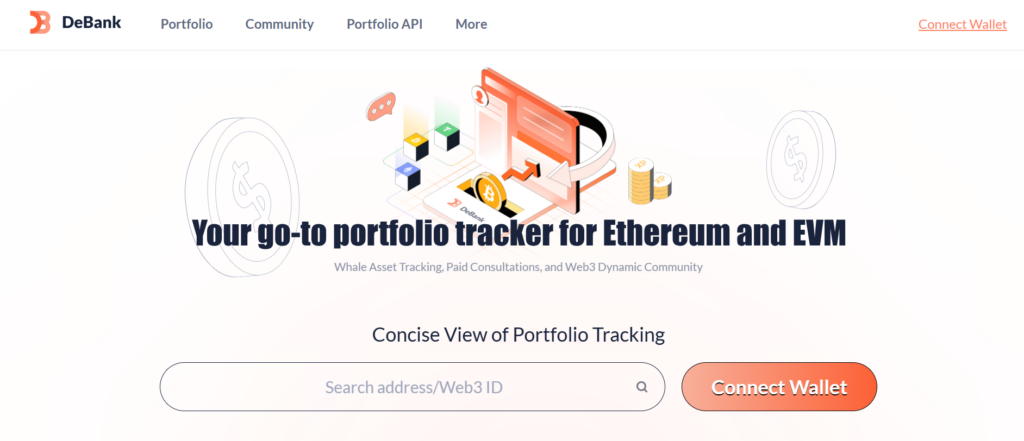
DeBank wallet tracker specializes in DeFi positions and wallet analytics.
- Pros: Excellent DeFi dashboard.
- Cons: Not ideal for full crypto PnL tracking.
5. Blockchain Explorers (Etherscan, BscScan)
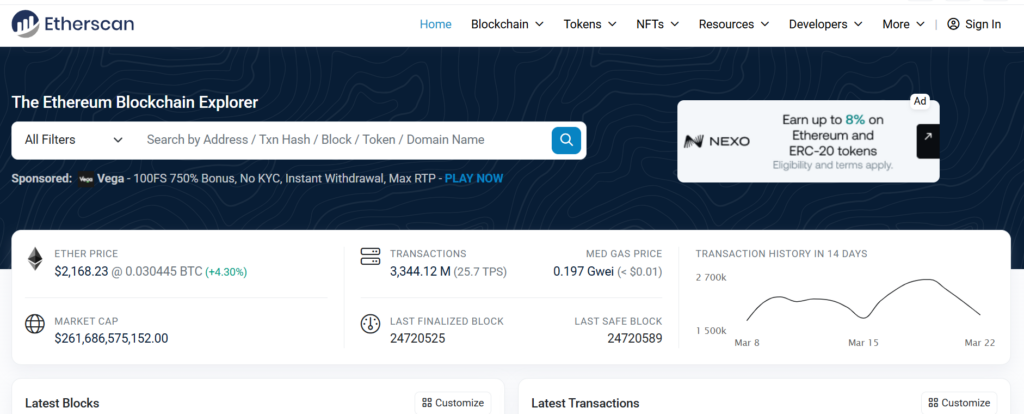
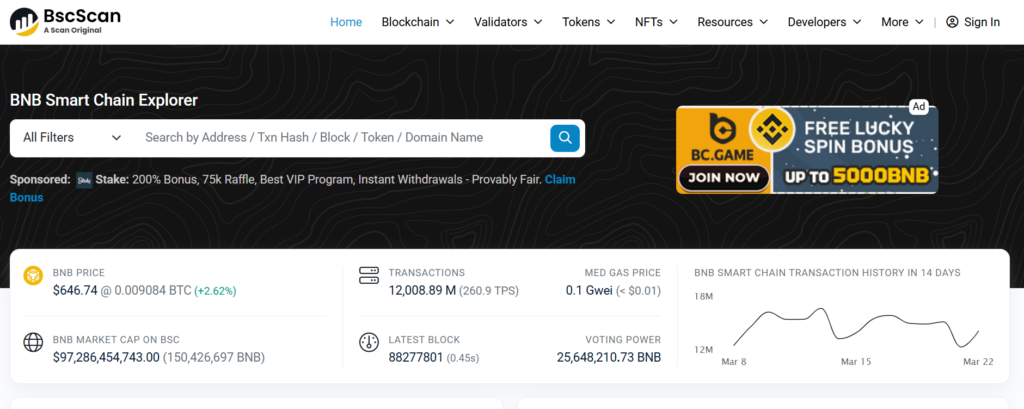
Explorers like Etherscan and BscScan show raw transactions only.
- Pros: Free and accurate.
- Cons: No wallet performance metrics or ROI crypto tracking.
Spreadsheet + Manual CSV tracking
You export data and calculate manually.
- Pros: Full control.
- Cons: Time-consuming. High risk of cost basis tracking errors.
For serious investors, external wallet performance analytics tools are essential to truly track Trust Wallet portfolio growth. We’ve already explained why spreadsheets might fail for portfolio tracking here.
How Do You Track Trust Wallet Performance Step-by-Step?
You need to connect your public wallet address to a crypto portfolio tracking tool like ChainGlance. The process is simple: copy your address, sync it, review your dashboard, and analyze your ROI and PnL. Within minutes, you move from basic wallet viewing to full wallet performance tracking.
Step 1: Copy Your Trust Wallet public address
Open Trust Wallet. Select the blockchain (for example, Ethereum or BNB Chain). Tap “Receive.” Copy your public wallet address.
This address is safe to share. It’s like your bank account number, not your password.
Step 2: Connect your wallet to ChainGlance
Go to ChainGlance. Paste your public address. You are not giving access. You are enabling read-only wallet analytics. This is how you properly track Trust Wallet profit and loss.
Step 3: Sync multi-chain data
If you use multiple networks, repeat the process for each chain. ChainGlance aggregates everything. This enables true multi-chain wallet tracking instead of checking assets one by one.
Step 4: Review your portfolio dashboard
Now you can see your full Trust Wallet portfolio tracking dashboard. It shows portfolio growth, asset allocation, wallet performance metrics, and transaction history in one place.
Step 5: Analyze ROI & PnL
Check realized profit, unrealized gains, and ROI crypto tracking.
Step 6: Export data for tax reporting
Export your data directly to Bitcoin.Tax. This simplifies cost basis tracking and crypto PnL tracking for reporting.
That’s how to monitor Trust Wallet portfolio performance like a pro, even as a beginner.
Is It Safe to Use Third-Party Portfolio Trackers with Trust Wallet?
Using third-party portfolio trackers with Trust Wallet is generally safe, as long as you stick to tools that operate in read-only mode, like ChainGlance. This means you only share your public wallet address, which allows the platform to view your transaction history, token balances, and performance metrics without being able to move any funds.
The real danger comes from sharing sensitive information. Never share your private keys, seed phrase, or recovery phrase with any platform. If a tool asks for these to enable tracking, it is a scam.
Some platforms go beyond read-only tracking and request a full wallet connection through Web3. This is different and riskier. When you approve smart contract permissions, you are giving the platform limited spending rights over your wallet. Always review these permissions carefully and revoke any unnecessary approvals regularly.
Privacy is another consideration worth keeping in mind. Blockchain data is public, so anyone with your wallet address can view your transactions. If privacy matters to you, be selective about who you share your address with.
To stay safe, always use trusted platforms, double-check URLs before connecting, enable device-level security, and avoid connecting your wallet on unknown or unverified sites. Used correctly, third-party tools are safe and genuinely useful for monitoring your Trust Wallet portfolio performance.
How Does Trust Wallet Compare to ChainGlance for Performance Tracking?
Trust Wallet is built for asset storage and simple balance viewing. ChainGlance is built for deep crypto portfolio tracking and advanced wallet performance analytics. If you only want to see token balances, Trust Wallet works. If you want full Trust Wallet portfolio tracking with ROI, PnL, and DeFi breakdowns, ChainGlance is the stronger option.
Feature comparison
Token Balances: Both show token balances clearly.
ROI Tracking: Trust Wallet does not calculate ROI. ChainGlance provides full ROI crypto tracking automatically.
Realized PnL: Trust Wallet does not show realized profit. ChainGlance separates realized vs unrealized gains for accurate crypto PnL tracking.
DeFi Analytics: Trust Wallet offers limited visibility. You may see tokens but not yield performance. ChainGlance provides advanced DeFi analytics, including staking and liquidity pool tracking.
NFT Performance: Trust Wallet displays NFTs visually. ChainGlance tracks NFT performance with deeper valuation insights.
Multi-Chain Tracking: Trust Wallet supports multiple chains but views them separately. ChainGlance aggregates multi-chain wallet tracking into one dashboard.
Tax Integration: Trust Wallet does not offer tax tools. ChainGlance integrates with Bitcoin.Tax for export-ready reporting.
Best use case for each
Use Trust Wallet for secure storage, transactions, and basic portfolio performance viewing.
Use ChainGlance if you want a true Trust Wallet performance tracker. It’s designed for investors who want structured crypto portfolio analytics, risk monitoring, and long-term portfolio growth insights.
What Are the Common Mistakes When Tracking Trust Wallet Performance?
Most investors make simple but costly mistakes when trying to track Trust Wallet portfolio performance. They focus on balance instead of ROI, ignore gas fees, skip cost basis tracking, miss DeFi yield, overlook small allocations, and underestimate volatility.
Tracking balance instead of ROI
Many users open Trust Wallet, see their portfolio is up, and assume they’re profitable. But balance alone doesn’t show true portfolio performance. Without ROI crypto tracking, you don’t know how efficiently your capital is working.
Ignoring gas fees
Gas fees eat into profits. If you made $400 but paid $150 in fees across swaps and bridges, your real gain is much smaller. Proper crypto PnL tracking must include transaction costs.
Not tracking cost basis
If you don’t track your entry price, you cannot calculate:
PnL = Current Value – Cost Basis
This is why cost basis tracking is critical for accurate wallet performance tracking.
Missing DeFi yield
Staking rewards and liquidity pool yields often go unnoticed. Trust Wallet may show token balances but not cumulative yield performance. That hides real portfolio growth.
Overlooking small token allocations
Small altcoin positions can quietly become large exposure. Ignoring asset allocation leads to concentration risk.
Failing to account for volatility
Crypto is volatile. A portfolio can swing 20% in days. Without monitoring drawdowns and risk-adjusted returns, your Trust Wallet portfolio tracking remains incomplete.
We’ve also written an in-depth guide on the most common mistakes investors make when tracking their DeFi investments and how to avoid them.
Frequently Asked Questions
Can You track multiple Trust Wallet addresses in one dashboard?
Yes. Most advanced crypto portfolio tracking platforms allow you to track multiple wallet addresses under one account. This is useful if you separate long-term holdings, DeFi activity, or NFT investments across different wallets. Instead of checking each address manually, a unified dashboard gives you consolidated wallet performance analytics and total portfolio growth in one view.
Check out our in-depth guide on how to track multiple DeFi wallets.
How often should you review your Trust Wallet performance?
It depends on your strategy. Long-term investors may review portfolio performance weekly or monthly. Active DeFi users or traders may check daily. However, checking too frequently can lead to emotional decisions due to short-term volatility. A structured crypto investment tracking routine helps you stay data-driven instead of reactive.
Does tracking wallet performance affect blockchain transactions or gas fees?
No. Using a Trust Wallet performance tracker in read-only mode does not trigger transactions or gas fees. Portfolio tracking tools simply analyze public blockchain data. They do not execute trades, move funds, or interact with smart contracts unless you explicitly approve a transaction. Monitoring your wallet performance has zero impact on network costs.