What Chain Glance does
Your wallet addresses across 66 blockchains and your accounts at popular exchanges, kept in one portfolio with one history covering both.
One portfolio across every chain you use
Add an address once and Chain Glance reads it on all 66 supported blockchains. Balances, history and value over time come back in one view rather than in 66 explorer tabs.


Every chain from one address
The same address is read across all 66 supported blockchains. You add it once, not once per chain.
Value over time
Portfolio performance over seven days, a month, three months, a year, or the whole history of the account.
Grouped how you hold it
Keep addresses together under the wallet or device they belong to, and see a total for each group as well as the whole portfolio.
Chain shown on every row
Each asset carries the chain it sits on, so the same token on two networks does not silently merge into one line.
Your own currency
Values in the fiat currency you choose, rather than an assumption that everyone reports in dollars.
Junk kept out
Airdropped spam and scam tokens are filtered out of your balances, which matters more the longer an address has existed.
How do your addresses get in?
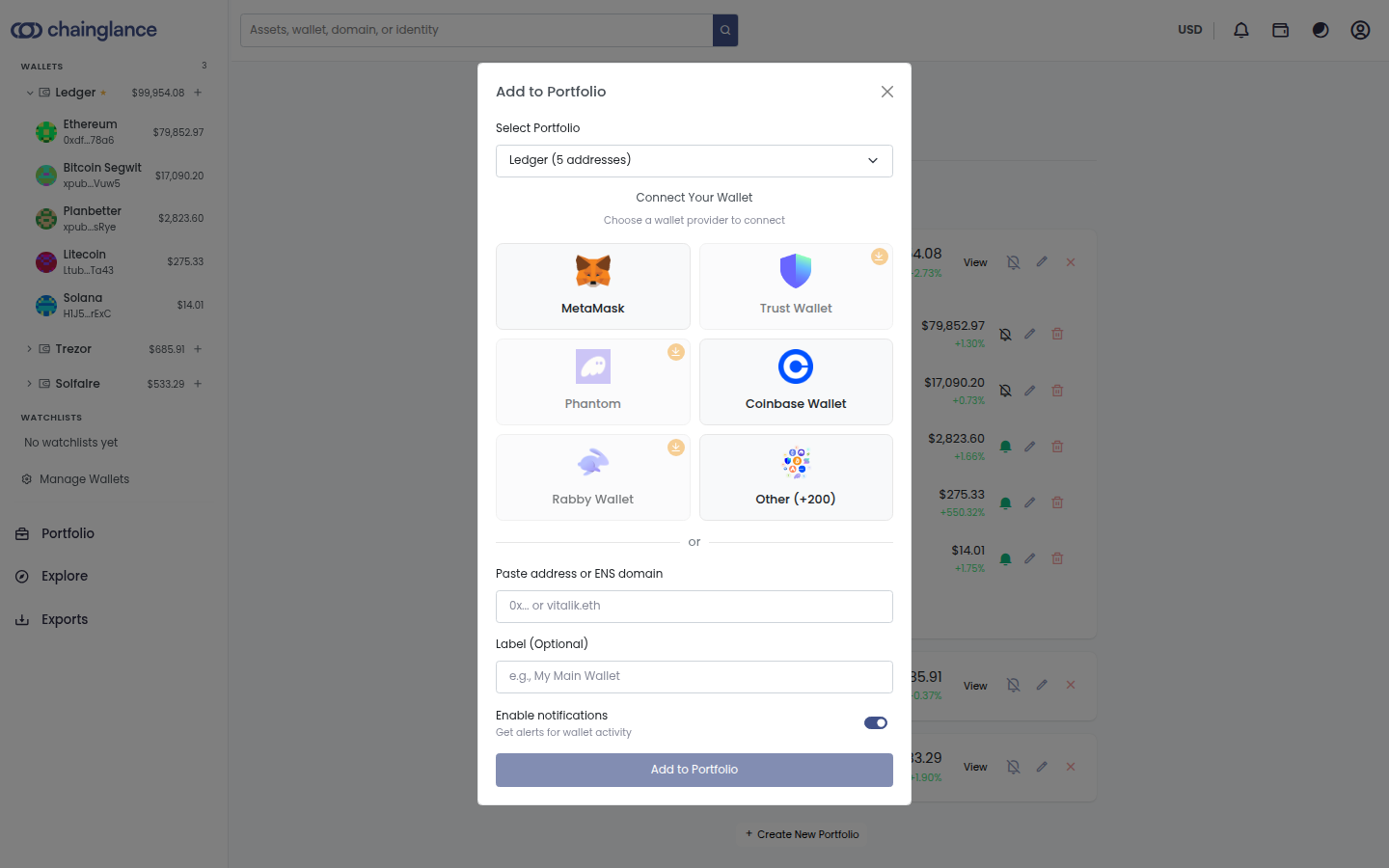
Connect a wallet, or paste an address you want to watch. Nothing is signed, nothing is approved, and Chain Glance never has permission to move anything.
Connect a wallet
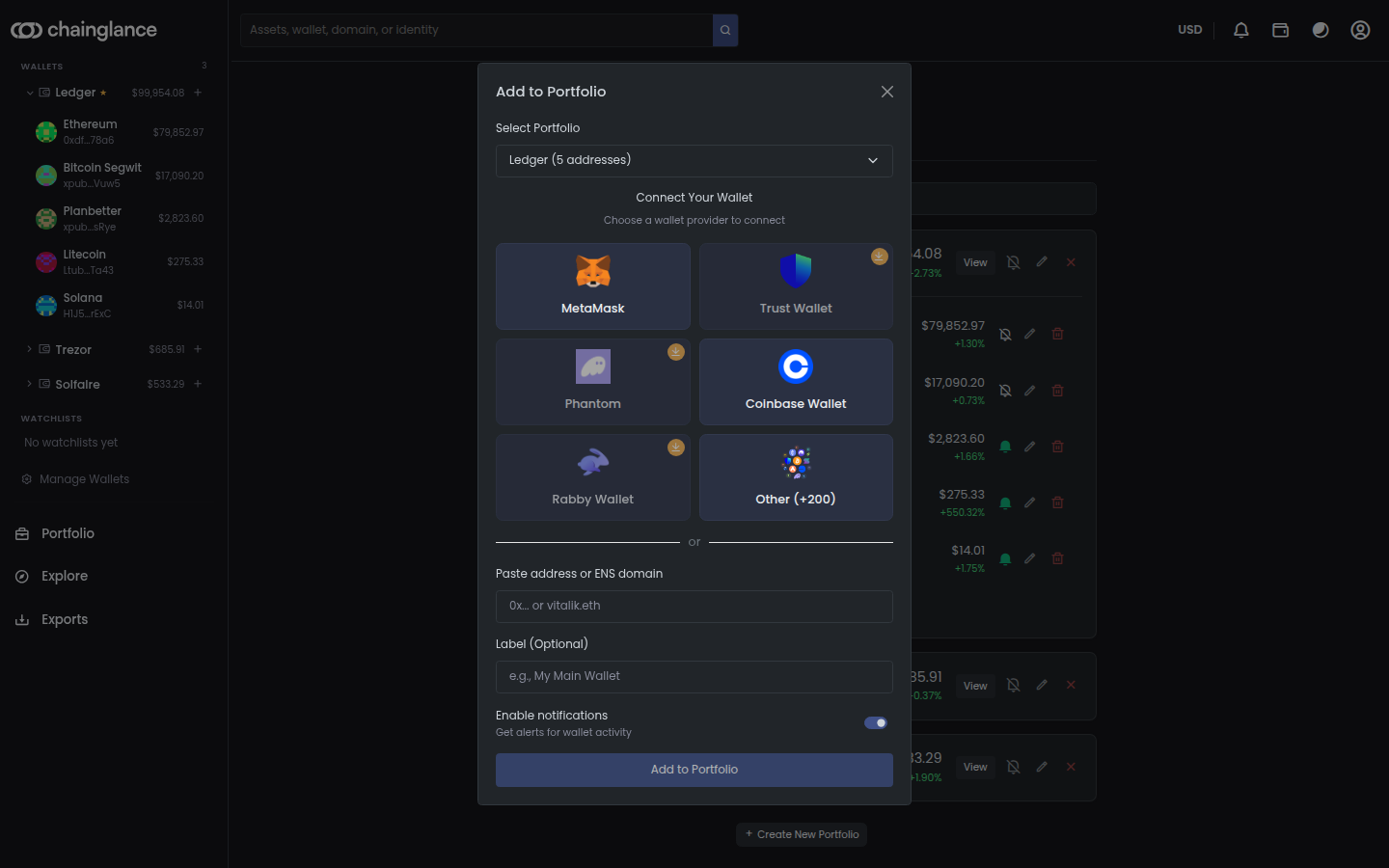
MetaMask, Coinbase Wallet, Trust, Phantom, Rabby and the other providers in the list, connected in a couple of clicks.
Or just paste an address
Any public address works, and so does an ENS domain. You do not need the wallet to hand, or any wallet at all.
Label what you added
Give each address a name you will recognise later, rather than reading hex strings six months from now.
Alerts from the start
Turn on activity alerts as you add an address, so you do not have to go back through settings afterwards.
Read-only, always
Adding an address grants no spending permission. There is nothing to revoke and nothing to sign.
Exchange accounts beside your wallets
Connect Binance, Coinbase, Kraken, Bitget, Bitstamp, Robinhood with read-only API keys. Balances, trades and full account history land in the same portfolio as your on-chain addresses, so the two halves of your holdings stop living in different places.
Read-only keys
Create the key at the exchange with read permission only. Chain Glance cannot trade or withdraw, and you can revoke the key whenever you want.
Back to account inception
History is paged back to the start of the account where the venue makes it available, rather than importing only recent months.
Sub-accounts kept apart
Where a venue splits into buckets, like Coinbase Spot, Earn and Funding, those stay separate instead of collapsing into one balance.
Spot and futures
On venues that offer them, futures positions and funding income sync alongside spot, so a hedged position is not missing half of itself.
Per-venue handling
Each exchange reports its data differently. Single-leg trades, duplicated deposit rows and delisted coins are each dealt with per venue.
Honest about what is not ready
Ten more venues have working adapters but are not open to connect. They are named on the exchange page rather than listed as supported.
Positions and NFTs, not just token balances
A wallet that has been in use for a few years holds more than tokens, and most of what it holds is easy to misread. Staked assets, liquidity positions and collections are read as what they are.
Liquidity positions
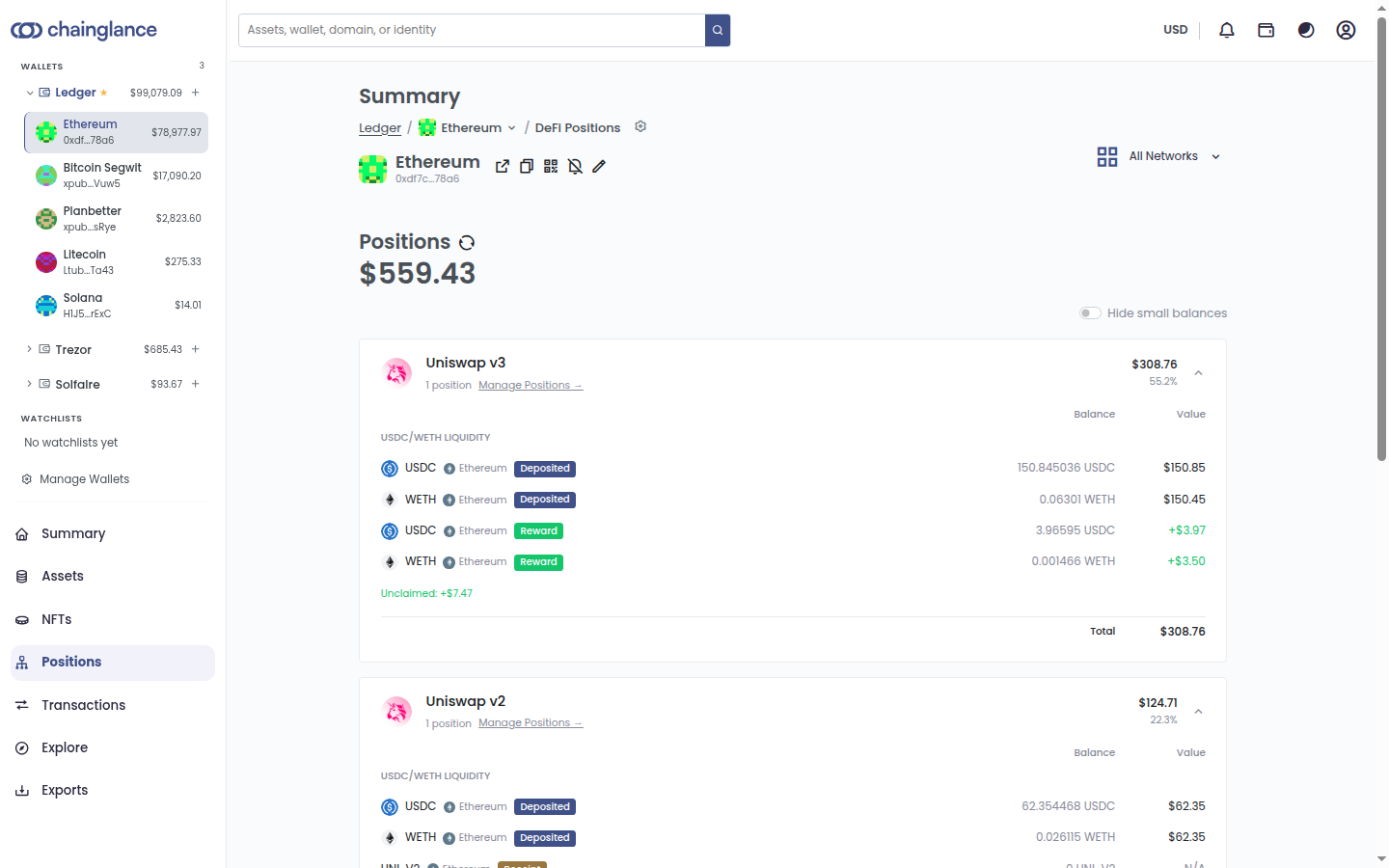
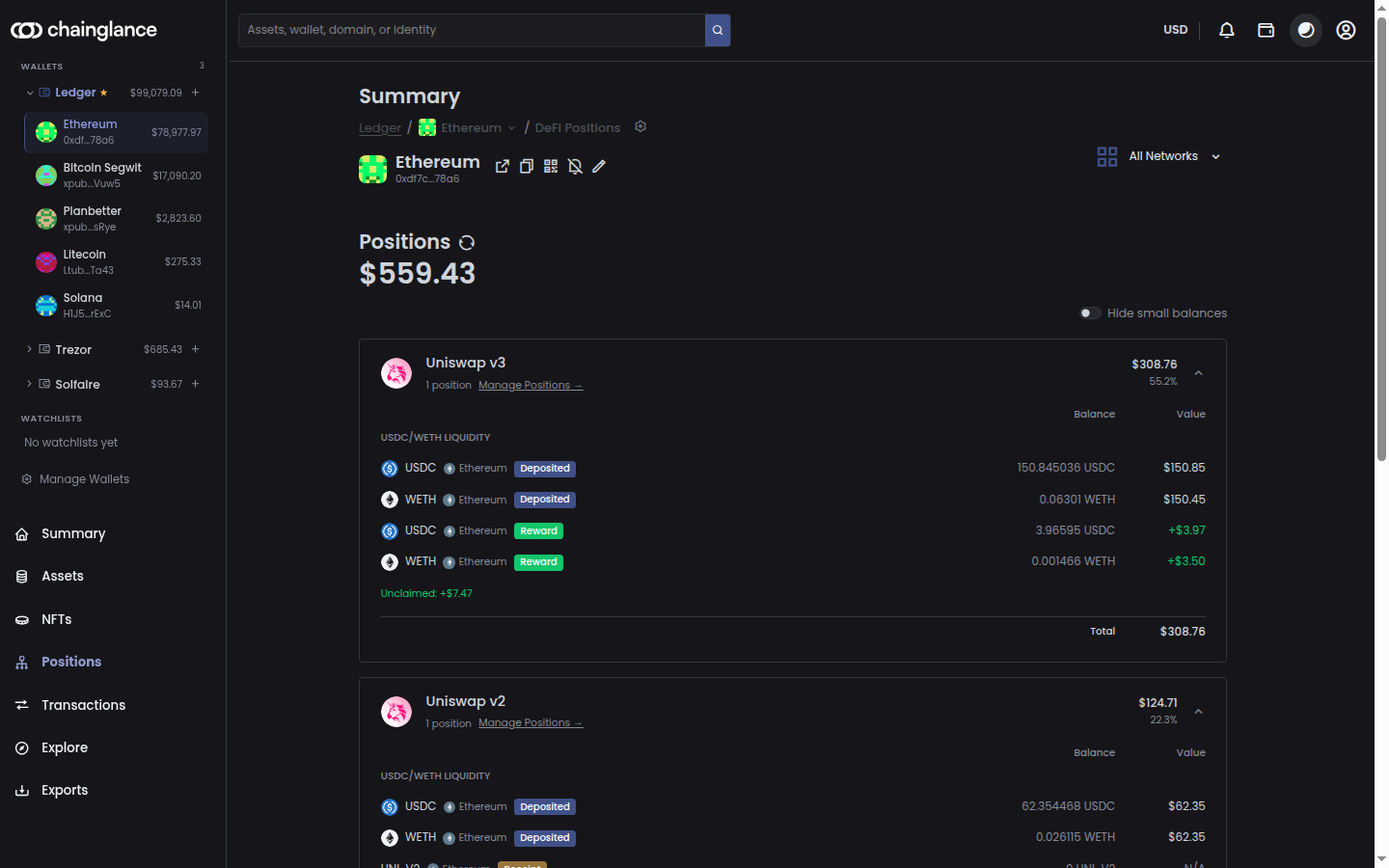
LP positions are shown per protocol and per pool, with each side of the pair and its current value rather than an unexplained token balance.
Unclaimed rewards
Rewards that have accrued but not been claimed are counted, and shown separately from what you deposited.
Staking
Staked assets appear as positions instead of quietly vanishing from your balances the moment they are locked up.
NFT collections
Collections held across your addresses sit in the same portfolio, so they do not need a separate tool.
Hide the dust
One switch drops tiny balances out of the view, which makes a long-lived address readable again.
Your own transfers stay transfers
Moving coins between accounts you own is not a sale and a repurchase. Chain Glance links both legs of the movement, whether it runs wallet to wallet, wallet to exchange, or exchange to exchange.
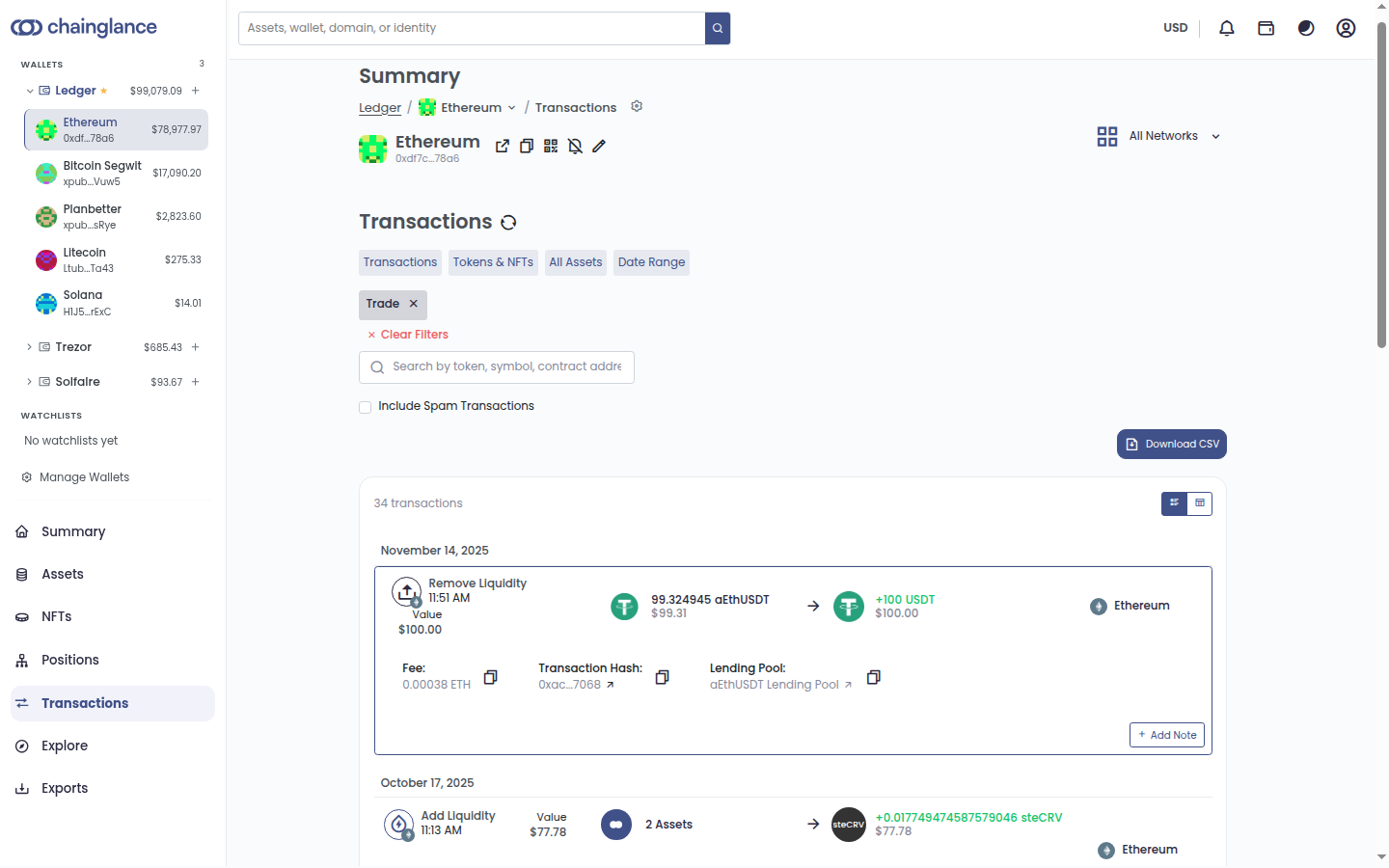
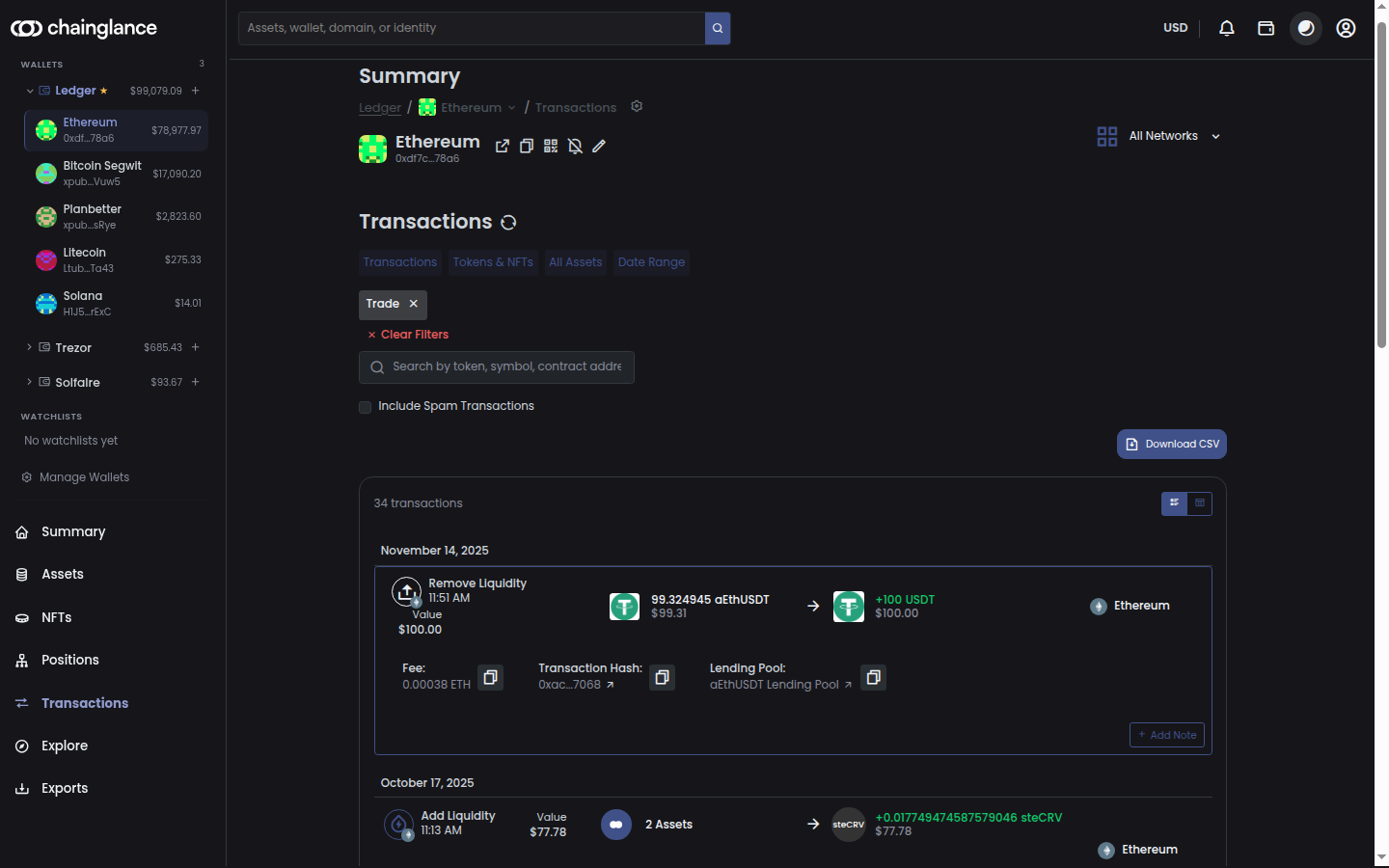
Both legs linked
The send and the receive are recognised as two sides of one movement, including when they are hours apart.
Re-matched as you grow
Adding a wallet re-runs matching over the history you already have, so an unpaired send from last year can find its other half today.
Filter to what you need
Narrow by transaction type, asset, date range or venue instead of scrolling for the one entry you are checking.
Full detail per entry
Fees, transaction hash and the protocol involved on each row, with a link out to the block explorer.
Your own notes
Add a note to any transaction, so the reason for a movement is still there when you come back to it in April.
History you can hand to tax software
Complete transaction history for every address and exchange you have added, exported as CSV. Bitcoin.Tax has a built-in Chain Glance importer, and the same file works for an accountant who handles crypto.
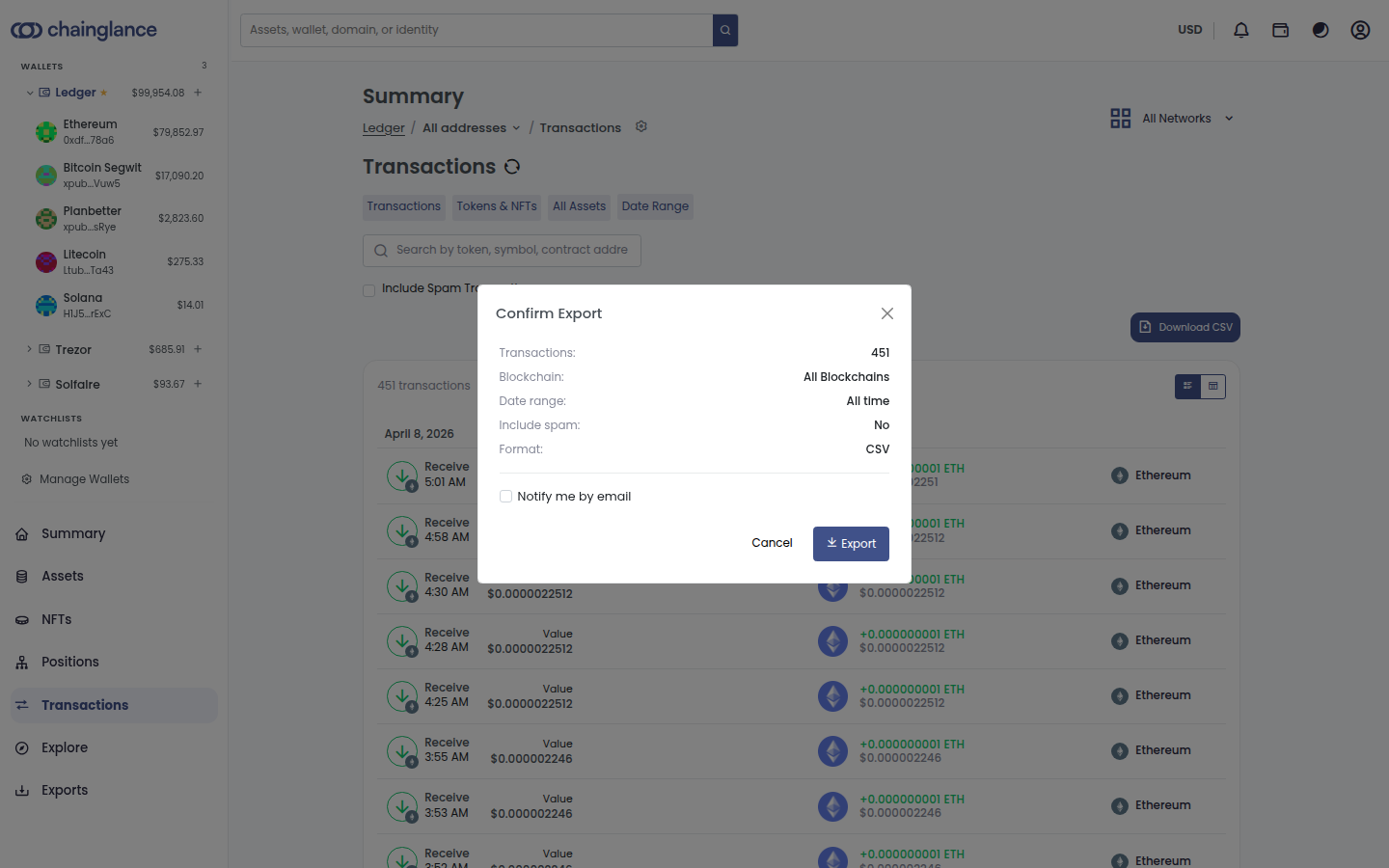
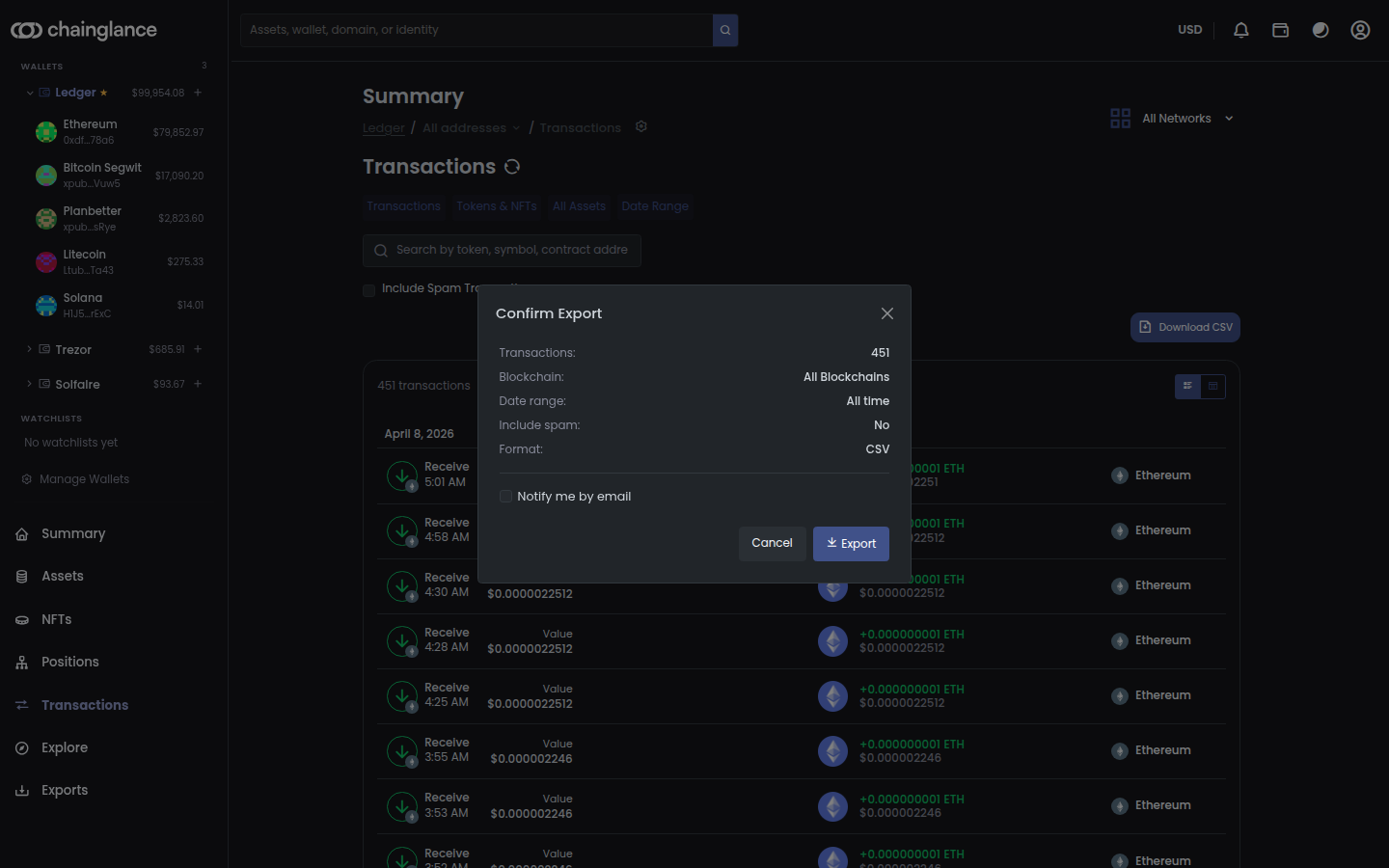
Every chain in one file
Transactions from all 60+ supported blockchains export together, each row labelled with the chain it came from.
Pick your range
Export a single tax year, any date range, or the complete history of the account.
Spam excluded by default
Junk tokens stay out of the export unless you deliberately include them, so you are not handing your accountant a scam airdrop.
Unlimited exports, every plan
Exporting is not a paid upgrade. The free plan exports as often as any other.
Told when it is ready
Large exports run in the background and email you when the file is done, instead of holding a tab open.
Never locked in
Your history is yours. The export exists so you can take it somewhere else.
How do you hear about activity?
Hear about activity without watching a dashboard, and keep an eye on addresses that are not yours without folding them into your own totals.
Transaction alerts
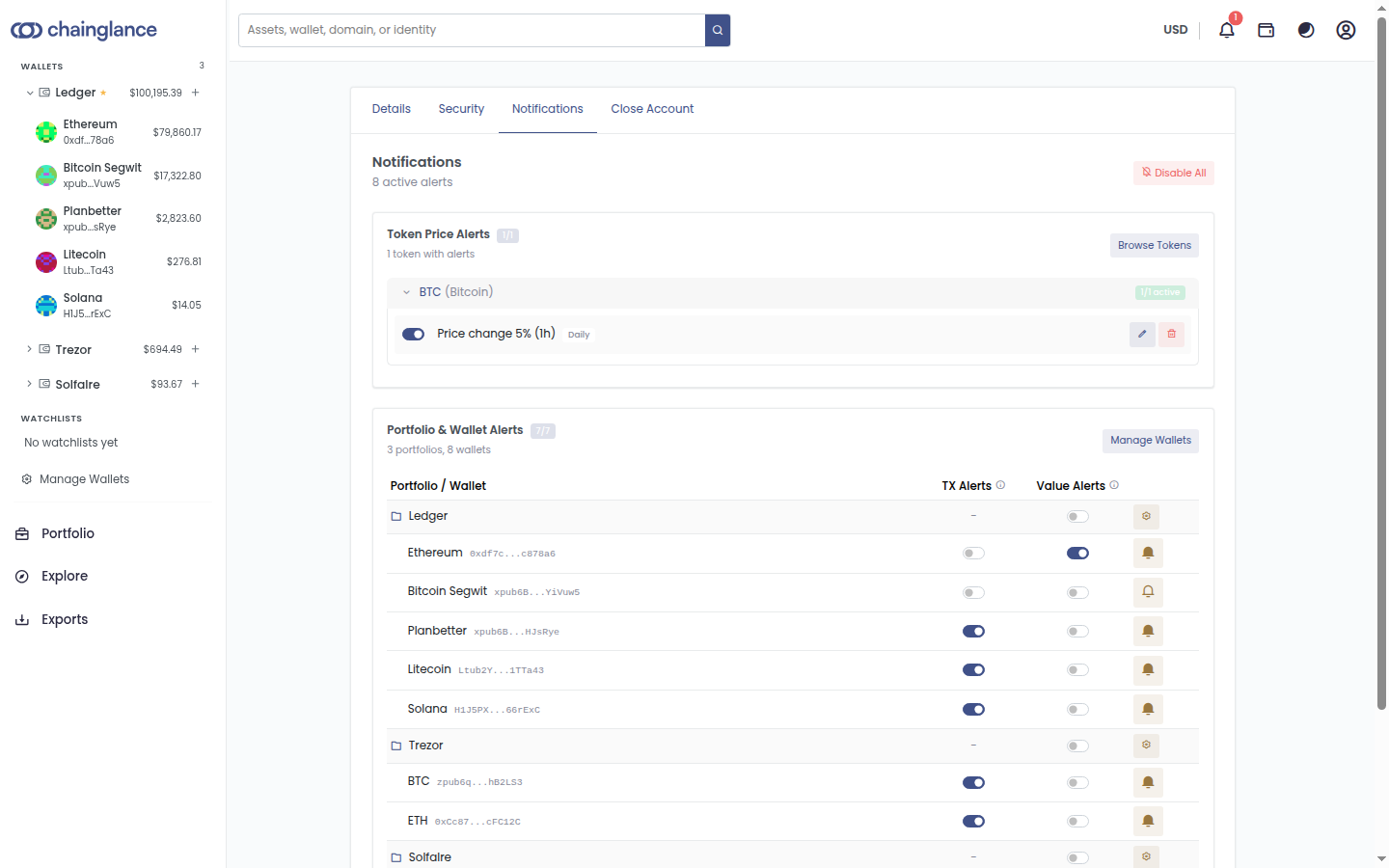
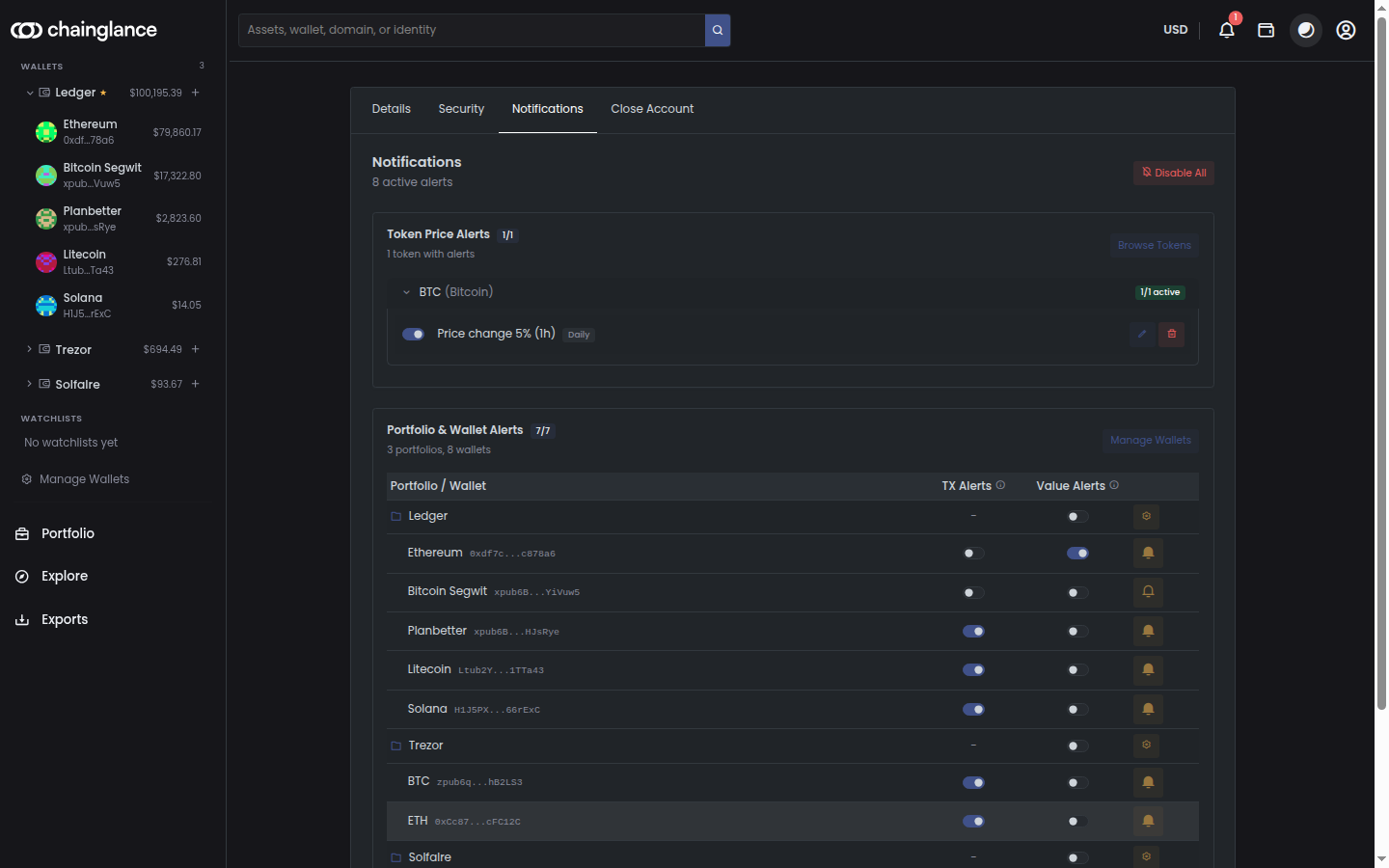
Get told when an address you track moves, per address rather than as one firehose across everything you hold.
Value alerts
Alerts on a wallet changing in value, for the addresses where that is the thing you actually care about.
Price alerts
Set a percentage move on a token over a window and hear about it when it happens.
Email, browser and push
Which delivery methods you get depends on your plan. The comparison table sets out exactly which.
Watchlists
Follow addresses you do not own without mixing them into your own totals.
Off just as easily
Every alert is a switch. Turn one address off, or silence everything at once.
Does it work on your phone?
Yes. Chain Glance runs in a browser and as apps for iOS and Android, on the same portfolio whichever one you have to hand. An address you add on your phone is there when you next open a browser.
What Chain Glance is not
It is a tracker and an exporter, not a tax calculator and not an exchange. It will not file anything for you, and it never has permission to move your coins. Exports go to tax software that does the calculating.
Feature questions
Does Chain Glance calculate my crypto taxes?
Do I need to add each wallet once per blockchain?
Do I have to connect a wallet?
Is connecting an exchange safe?
Can I use Chain Glance on my phone?
What does the free plan include?
Add one address and see the whole picture
The free plan covers a single address across every supported blockchain, with full history and unlimited exports.
No credit card required · Upgrade anytime